Notoq for Minecraft
Your server and your Discord, connected.
Linked accounts, roles as ranks, a chat bridge and live status, all set up in the dashboard without a single config file.
Paper, Spigot, Purpur, Folia · Velocity, BungeeCord · Minecraft 1.8.8 and newer

Kaito joined the game
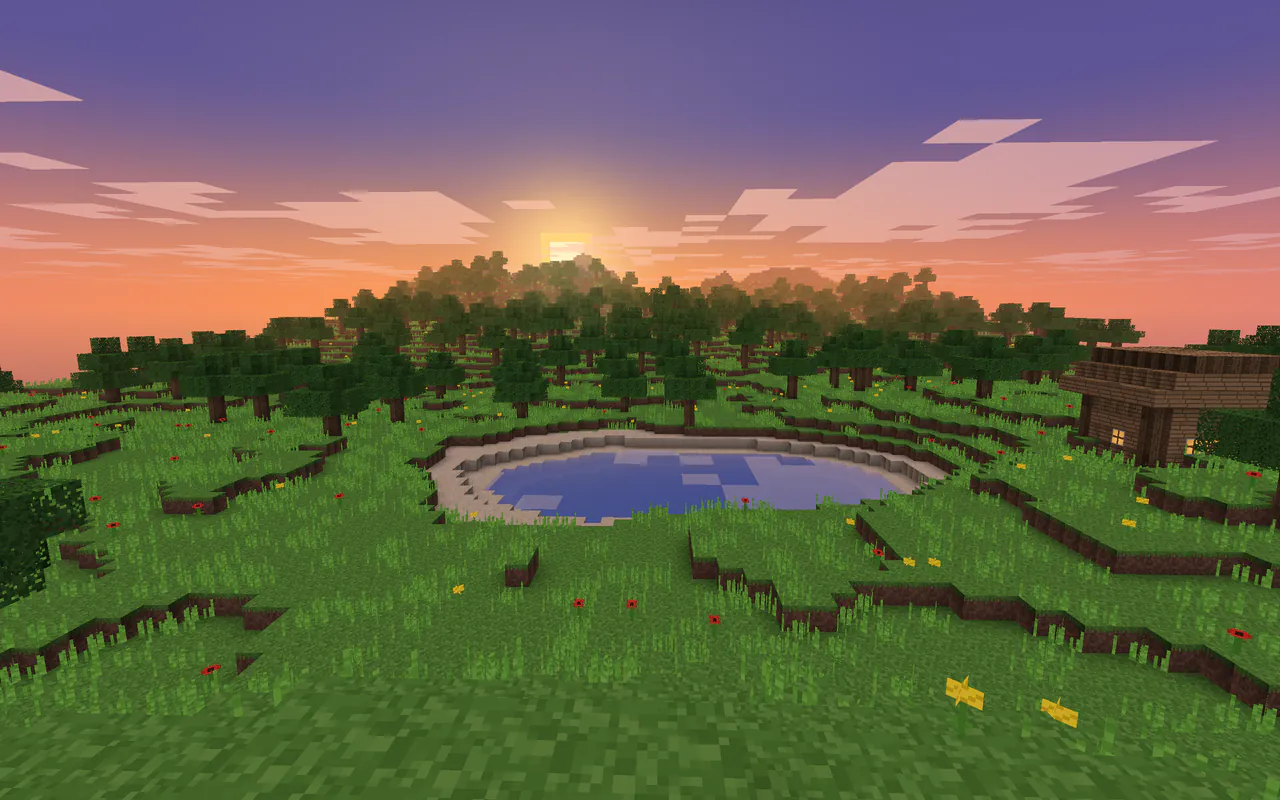
<Luna> Who's building with me today?
[Discord] Mira: I'll be there in five minutes!
Kaito joined the game
Chat bridge. Players post in Discord with their name and head, replies appear in game. @everyone and roles are never pinged.
What the plugin does.
You set everything up in the dashboard, and it reaches your server within seconds. No restart, no config file.
Account linking
Link once. Recognized everywhere.
Players type /link and get a code, a link and, on Java, a map with a QR code for their phone. They confirm in Discord or on the website, and from then on the link counts on every server with Notoq.
- Optionally required: no link, no game
- Only genuine accounts, Bedrock through Floodgate included
- A Discord role for everyone who is linked
[Notoq] Your link code: Q7M2KD
Type /minecraft link Q7M2KD in Discord or open this link. The code is valid for 10 minutes.
[Notoq] Scan the map in your hand with your phone.
Roles and ranks
Roles become ranks.
Map Discord roles to LuckPerms or Vault groups, in one direction or both. Whoever boosts your server gets their perks in-game too.
- The plugin reports its groups itself, nobody types them in
- Five mappings for free
- Per rank: on all servers or only some
Ranks from roles
6 groups from LuckPerms
Live status
Your server, visible in Discord.
One message shows every minute whether the server is up, who is playing and how to join. A channel name counts the players, and if the server goes down, Notoq tells you before anyone else does.
- Announcements for starts, joins, deaths and advancements
- An alert with a ping when the server stops responding
- Maintenance mode straight from Discord
Nordlicht is online
Players
12 / 100
Version
1.21.4
Address
play.nordlicht.net
🟢 12 online
Moderation
Appeals right from the ban screen.
Whatever ban plugin you use: banned players see a link to appeal. If your staff accepts it in Discord, Notoq lifts the ban in-game.
- /report and /support open tickets in Discord
- Staff replies arrive in-game, even later on
- A Discord ban can carry over to the game
With Premium.
You have been banned.
Reason: Griefing at spawn
Appeal this ban: notoq.xyz/mc/appeal
Your appeal code: 4KQ9TZ
Rewards
Rewards that arrive in the game.
A starter kit for the first link, something for a birthday, the prize from a giveaway: Notoq runs the commands in-game. If someone is offline, the reward waits for them.
- Rewards for Discord levels
- Playtime earns Discord XP
- A thank-you for every vote
With Premium.
Linked!
with mira
[Notoq] You received a reward!
Linking, roles, the chat bridge and live status are free. In-game moderation, rewards, automations and statistics come with Premium, the console in Discord with Professional.
Compare plansConnected in three steps.
- 1
Put it into plugins
Copy the file into your server's plugins folder and restart the server once.
plugins/ - 2
Get your code in the dashboard
Pick your Discord server, open Minecraft and copy the command with your code.
- 3
Connect in the console
Run the command in the server console. Done, your server is connected.
notoq connect CODE